संतवाणी ऑनलाईन टेस्ट | इयत्ता सातवी मराठी
संतवाणी स्वाध्याय प्रश्न उत्तरे | संतवाणी स्वाध्याय इयत्ता सातवी | इयत्ता सातवी मराठी स्वाध्याय
नमस्कार
विद्यार्थी मित्रांनो!
मराठी
संत-कवींची साहित्यसंपदा, त्यांची भक्ती आणि विचार खूप महत्त्वाचे
आहेत. ‘संतवाणी‘ हा भाग अभ्यासक्रमात
असला तरी, अनेकदा यातील बारकावे लक्षात ठेवणे कठीण जाते.
म्हणूनच, तुमच्या सरावासाठी आणि आत्मविश्वासासाठी आम्ही खास ‘संत नरहरी सोनार‘ आणि ‘संत
कान्होपात्रा‘ यांच्या अभंगांवर आधारित एक आकर्षक आणि
उपयुक्त बहुपर्यायी प्रश्नमंजुषा (MCQ Test Series) तयार
केली आहे. या प्रश्नसंचाच्या माध्यमातून तुम्ही प्रत्येक अभंगाचा आशय, त्यातील प्रमुख संकल्पना आणि संतांचा संदेश चांगल्या प्रकारे समजू शकता.
तर, लगेचच तयारीला लागा आणि आपले गुण तपासा!
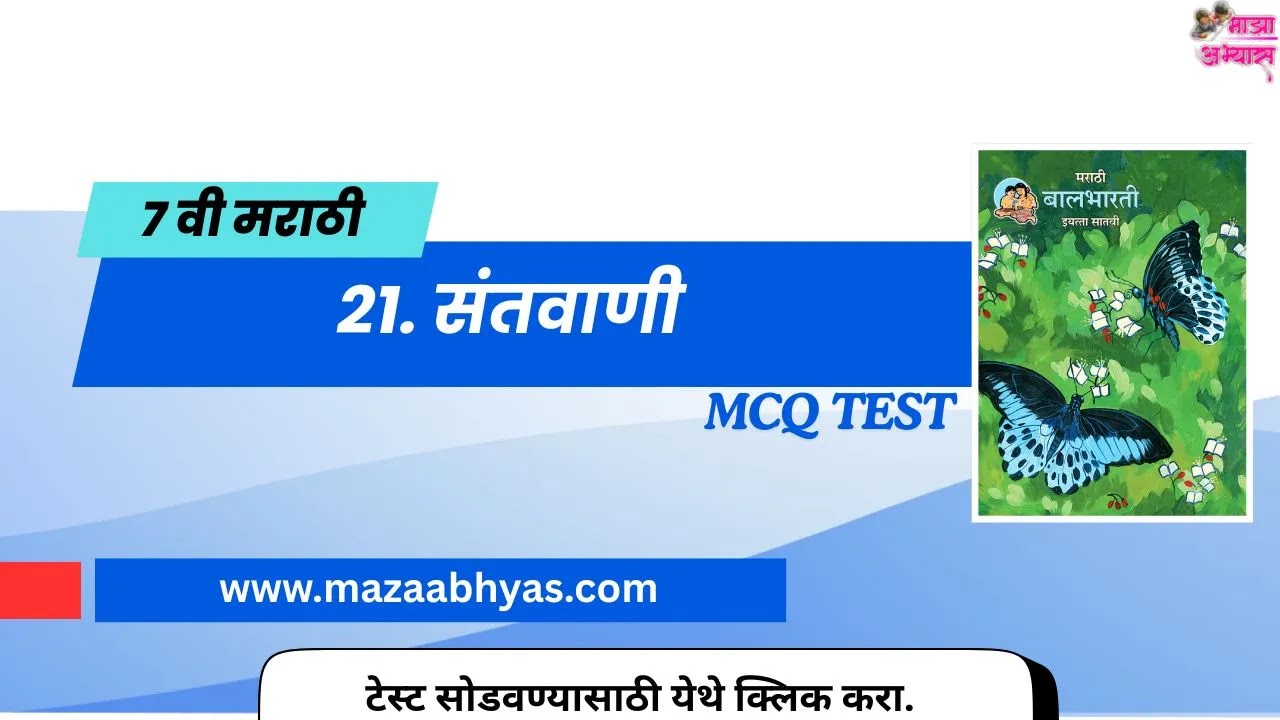
- 7th marathi maharashtra board
- Class 7 Balbharati Maharashtra Board Marathi Medium
***********************
body {
font-family: Arial, sans-serif;
background-color: #f4f4f4;
color: #333;
}
.quiz-container {
max-width: 800px;
margin: 20px auto;
padding: 20px;
border: 1px solid #ccc;
border-radius: 10px;
background-color: #fff;
box-shadow: 0 4px 8px rgba(0, 0, 0, 0.1);
}
.question {
font-weight: bold;
margin-bottom: 10px;
margin-top: 25px;
font-size: 1.1em;
color: #4d90fe;
}
.option {
margin: 8px 0;
padding: 12px;
border: 1px solid #ddd;
border-radius: 8px;
cursor: pointer;
transition: background-color 0.2s, border-color 0.2s;
}
.option:not(.correct):not(.wrong):hover {
background-color: #e9e9e9;
border-color: #4d90fe;
}
.correct {
background-color: #4CAF50; /* Green */
color: white;
border-color: #4CAF50;
}
.wrong {
background-color: #f44336; /* Red */
color: white;
border-color: #f44336;
}
.explanation {
margin-top: 10px;
padding: 10px;
border: 1px solid #add8e6;
background-color: #f0f8ff;
border-radius: 5px;
display: none;
font-size: 0.9em;
color: #333;
}
.progress-container {
margin-top: 10px;
width: 100%;
height: 25px;
background-color: #ccc;
border-radius: 5px;
overflow: hidden;
position: relative;
}
.progress-bar {
width: 0;
height: 100%;
background-color: #4d90fe;
transition: width 0.3s ease-in-out;
}
.percentage {
position: absolute;
top: 0;
left: 50%;
transform: translateX(-50%);
padding: 0 5px;
color: white;
font-size: 14px;
line-height: 25px;
font-weight: bold;
text-shadow: 1px 1px 2px rgba(0,0,0,0.5);
}
.report-card {
margin-top: 30px;
padding: 20px;
border: 2px solid #4d90fe;
border-radius: 10px;
background-color: #e6f0ff;
text-align: center;
}
.report-card h2 {
font-size: 24px;
margin: 0 0 15px 0;
color: #4d90fe;
}
.report-card p {
padding: 5px;
margin: 5px 0;
font-size: 1em;
color: #333;
}
.message {
font-size: 1.2em;
font-weight: bold;
margin-top: 15px;
}
#resetButton {
background-color: #f44336;
color: white;
padding: 10px 20px;
border: none;
border-radius: 5px;
cursor: pointer;
font-size: 16px;
margin-top: 20px;
transition: background-color 0.2s;
}
#resetButton:hover {
background-color: #d32f2f;
}
२१.संतवाणी संतवाणी – ONLINE TEST
निकालपत्र (Report Card)
एकूण प्रश्न संख्या: 10
प्रयत्न केलेले प्रश्न: 0
बरोबर उत्तरे: 0
चुकलेली उत्तरे: 0
const options = document.querySelectorAll(‘.option’);
const progressBar = document.getElementById(‘progressBar’);
const percentage = document.querySelector(‘.percentage’);
const attemptedCount = document.getElementById(‘attemptedCount’);
const correctCount = document.getElementById(‘correctCount’);
const wrongCount = document.getElementById(‘wrongCount’);
const message = document.getElementById(‘message’);
const resetButton = document.getElementById(‘resetButton’);
let totalQuestionsAttempted = 0;
let correctAnswers = 0;
const totalQuestions = 10;
const attemptedQuestions = new Set();
options.forEach(option => {
option.addEventListener(‘click’, () => {
const questionId = option.getAttribute(‘data-question’);
// Check if this question has already been answered
if (attemptedQuestions.has(questionId)) {
return; // Do nothing if already answered
}
attemptedQuestions.add(questionId);
totalQuestionsAttempted++;
const isCorrect = option.getAttribute(‘data-correct’) === ‘true’;
// First, remove the default hover style (not strictly needed with the :not selector, but good for clarity)
// Then, disable further clicks on the options for this question
document.querySelectorAll(`.option[data-question=”${questionId}”]`).forEach(opt => {
opt.style.pointerEvents = ‘none’;
});
if (isCorrect) {
correctAnswers++;
option.classList.add(‘correct’);
} else {
option.classList.add(‘wrong’);
// Highlight the correct answer
const correctOption = document.querySelector(`.option[data-question=”${questionId}”][data-correct=”true”]`);
correctOption.classList.add(‘correct’);
}
// Show explanation
const explanation = document.querySelector(`.explanation[data-question=”${questionId}”]`);
if (explanation) {
explanation.style.display = ‘block’;
}
// Update report card
attemptedCount.textContent = totalQuestionsAttempted;
correctCount.textContent = correctAnswers;
wrongCount.textContent = totalQuestionsAttempted – correctAnswers;
// Update progress bar and percentage
const progress = (totalQuestionsAttempted / totalQuestions) * 100;
progressBar.style.width = progress + ‘%’;
percentage.textContent = progress.toFixed(0) + ‘%’;
// Update the message when all questions are answered
if (totalQuestionsAttempted === totalQuestions) {
if (correctAnswers === totalQuestions) {
message.textContent = “Congratulations! You got all the answers correct!”;
} else if (correctAnswers >= 7) {
message.textContent = “Great job! You’re doing well!”;
} else {
message.textContent = “Keep practicing. You can improve!”;
}
}
});
});
// Reset button functionality
resetButton.addEventListener(‘click’, () => {
options.forEach(option => {
option.classList.remove(‘correct’, ‘wrong’);
option.style.pointerEvents = ‘auto’; // Re-enable clicks
});
const explanations = document.querySelectorAll(‘.explanation’);
explanations.forEach(explanation => {
explanation.style.display = ‘none’;
});
totalQuestionsAttempted = 0;
correctAnswers = 0;
attemptedQuestions.clear();
attemptedCount.textContent = 0;
correctCount.textContent = 0;
wrongCount.textContent = 0;
progressBar.style.width = ‘0%’;
percentage.textContent = ‘0%’;
message.textContent = ‘–‘;
});
*********************
तुम्हांला मिळाले गुण आणि नाव आम्हांला कमेंट बॉक्स मध्ये कमेंट करून सांगा.